Kosmo Max
Features
Everything Kosmo Max does, from the film library to the TV guide, the screensaver and the profiles of everyone in the house.
Cinema
Your films and series, presented like a cinema
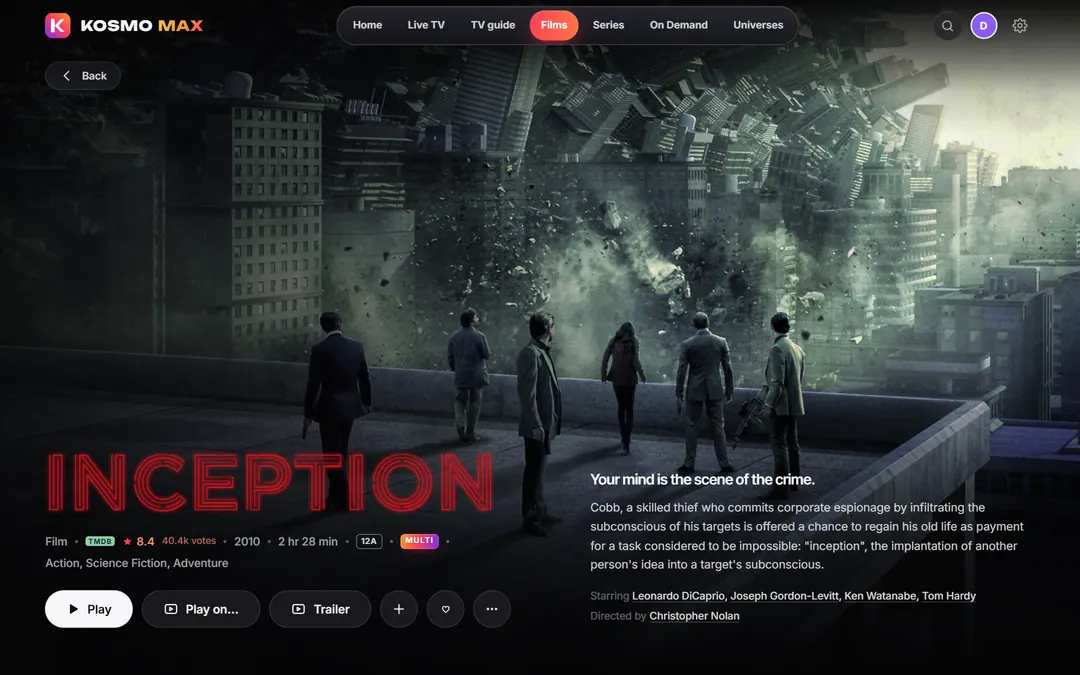
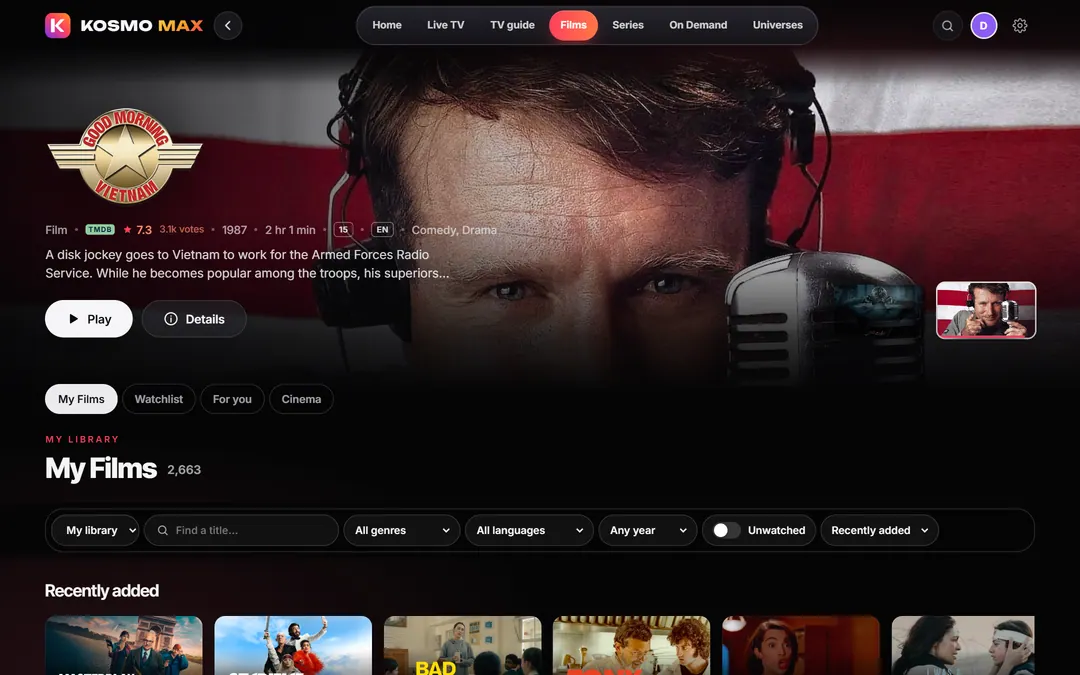
Kosmo Max presents the household’s own films and series from its home server with the care of a cinema: full-screen artwork, the title logo, ratings, cast and director, and the trailer.
- Resume where you stopped, or start over
- Continue watching across films, series and TV, each in its own row
- A MULTI badge on films with more than one audio language; each profile chooses its preferred audio language
- Subtitles and audio tracks one click away in the player
- Film of the day on Home, with “Surprise me”
- Ordinis Lens in the player: cited facts from Wikidata and Wikipedia about the cast, the director and the filming locations, with spoiler control
Live TV
Live TV with a real guide
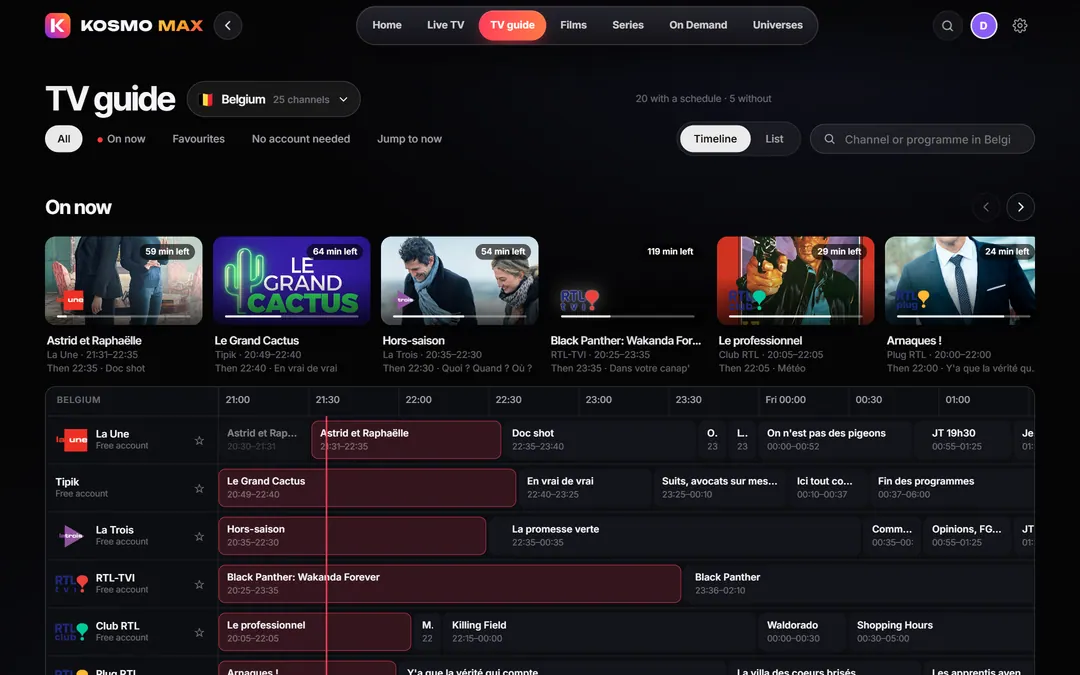
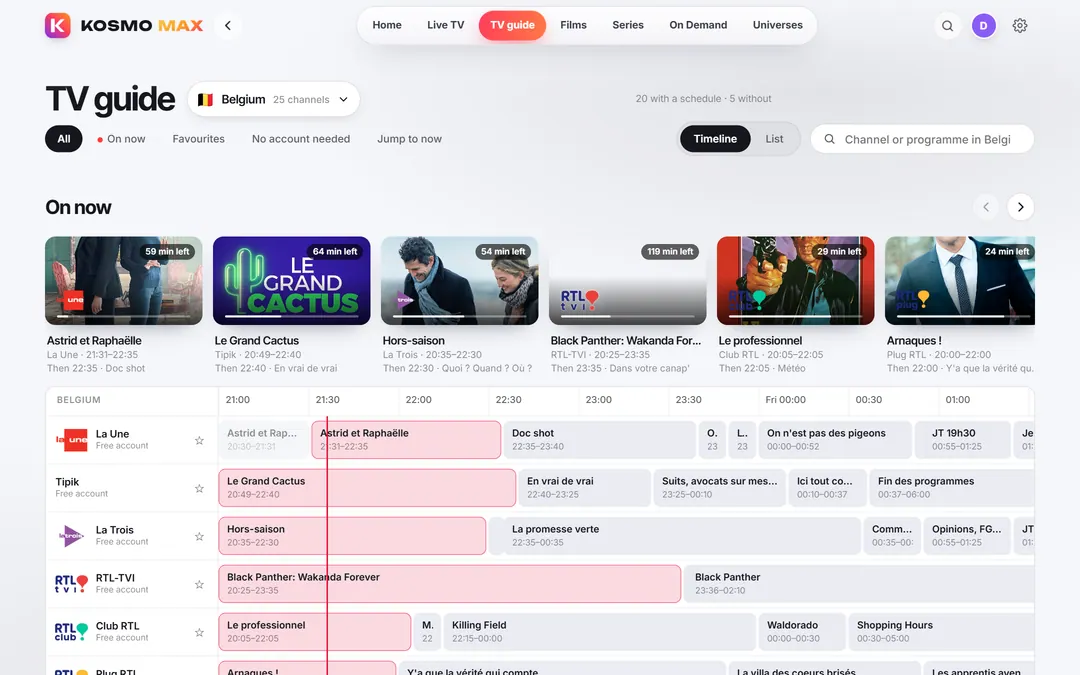
Live channels from many countries, each showing what is on now and next. Filter by country, keep your favourite channels close, and switch channels from the player.
- The TV guide: an “On now” strip and a timeline grid for the evening
- Your channel, live, on Home the moment you open the app, with your recent channels beside it
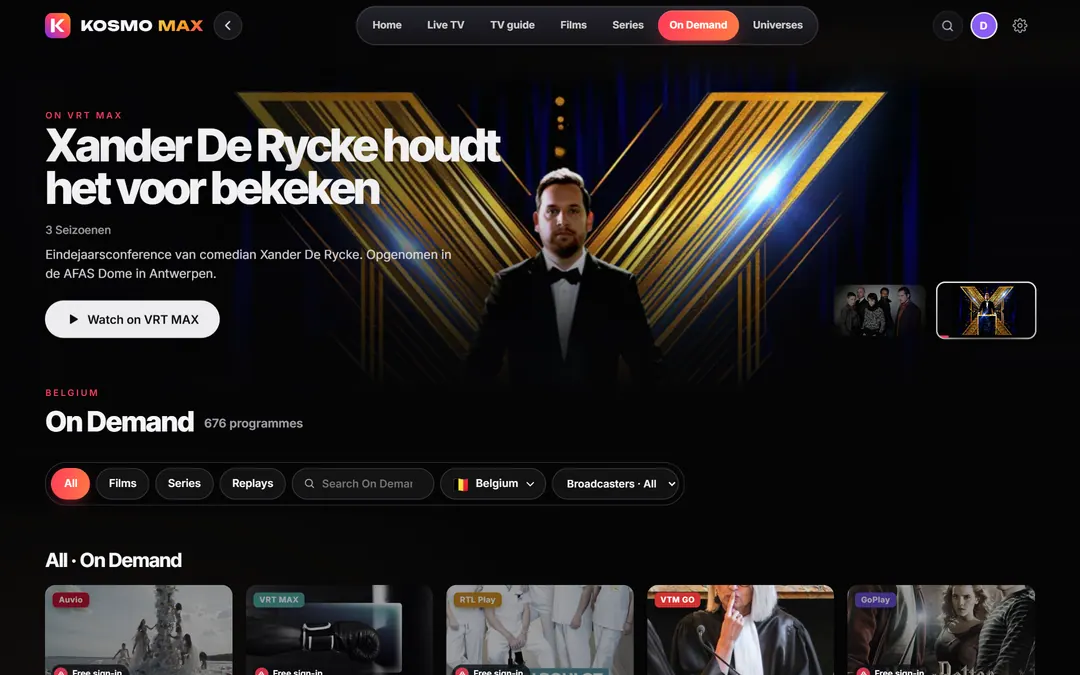
- The broadcasters’ on-demand catalogues, searchable together, with Films, Series and Replays filters
- Cast: send what you are watching to another Kosmo screen in the house
Kosmo connects to services that broadcasters already offer. Some need your own (free) account with the broadcaster, and many are available only in their own country.
Recordings
Recordings and replays
Record a programme, or every episode of a series, from Live TV or the guide. Your recordings wait in one place, next to Live TV.
- One programme or a whole series
- Free-to-air recordings are kept on the household server
- Where a broadcaster protects its stream, Kosmo keeps the programme from the broadcaster’s own replay catalogue instead, for as long as the broadcaster offers it
- The Replays filter in On demand brings the broadcasters’ catch-up programmes together
Kosmo Wave
Music with Kosmo Wave
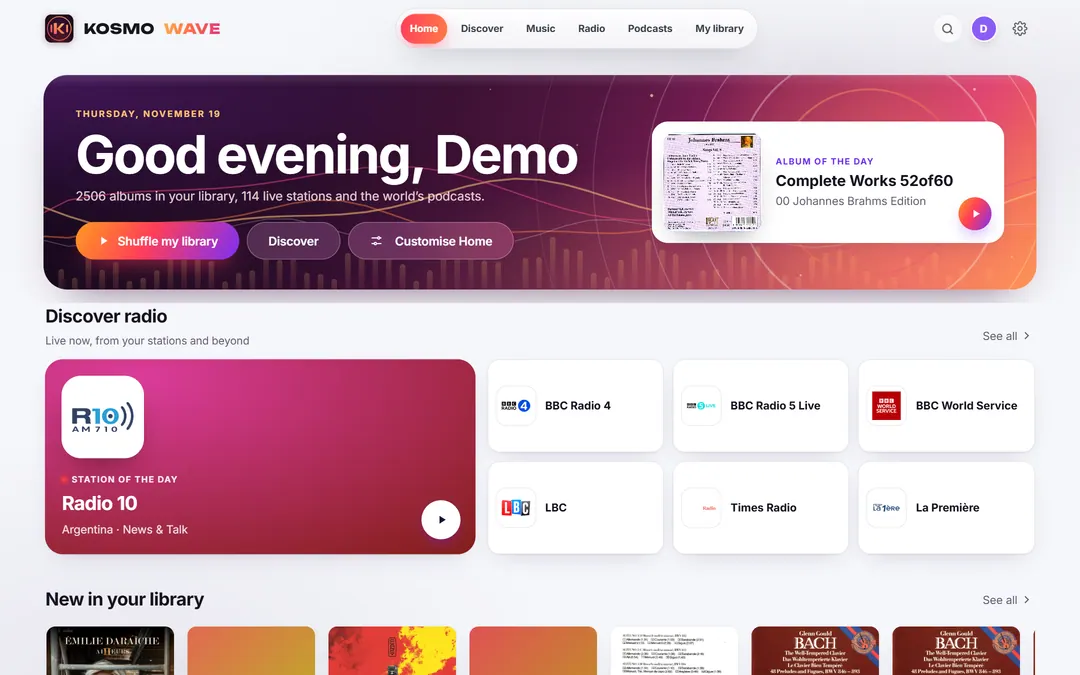
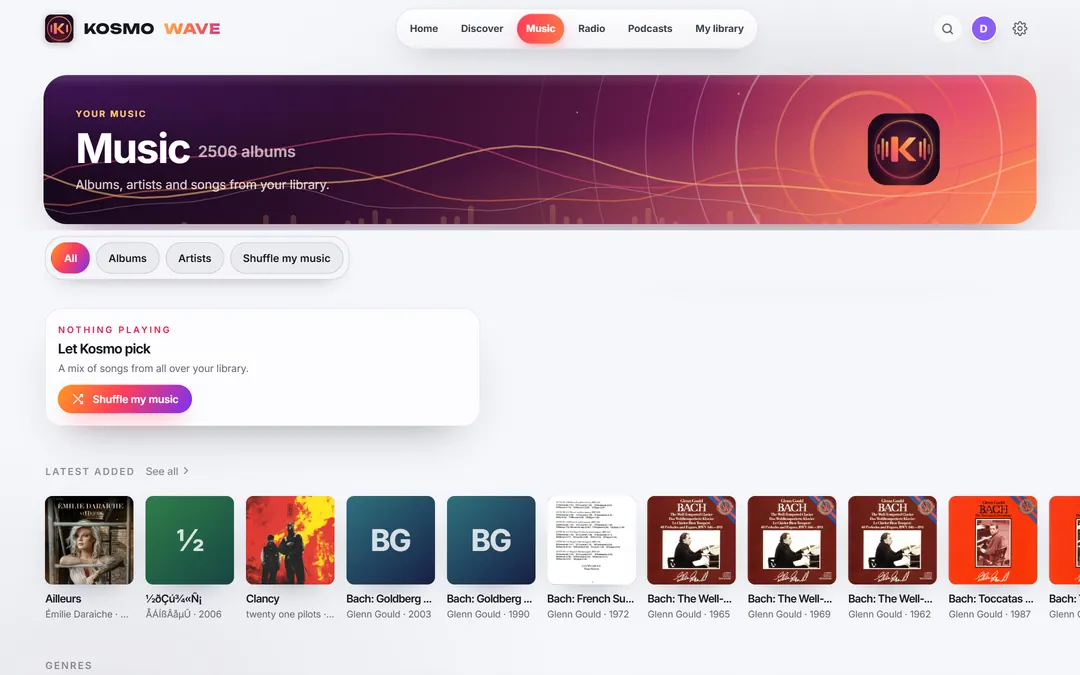
Kosmo Wave is the music app of the same household server and the same profiles: the household’s music library, live radio and podcasts, light by day and dark at night.
- The music library from the household’s own music folder
- Radio stations and podcasts
- Playlists, the queue and a Now Playing screen
- Official music videos, when one exists, played from YouTube only when you open them
Cinema Discover
Cinema Discover
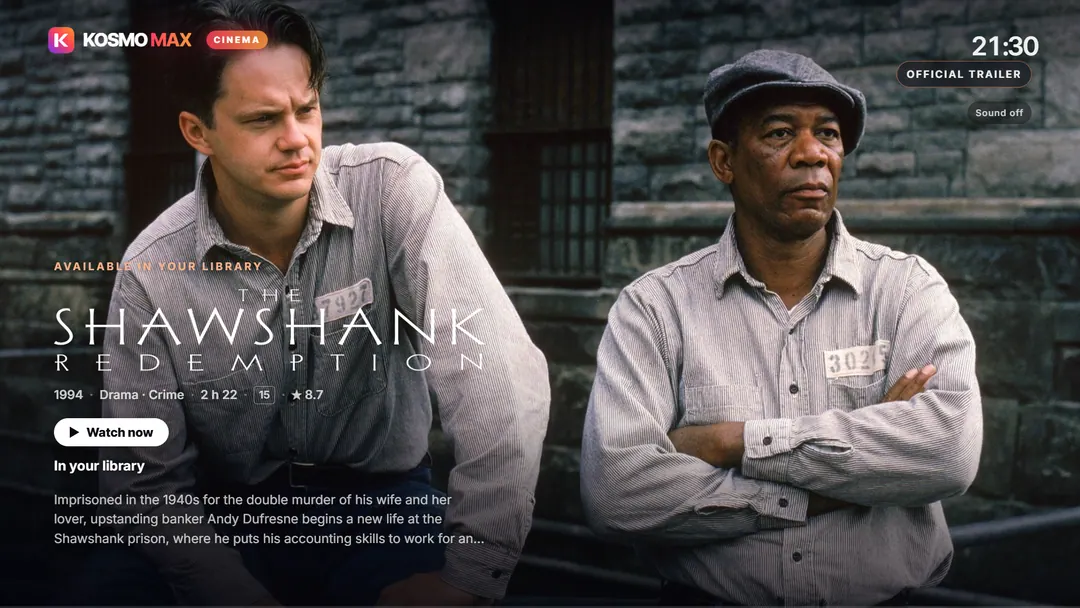
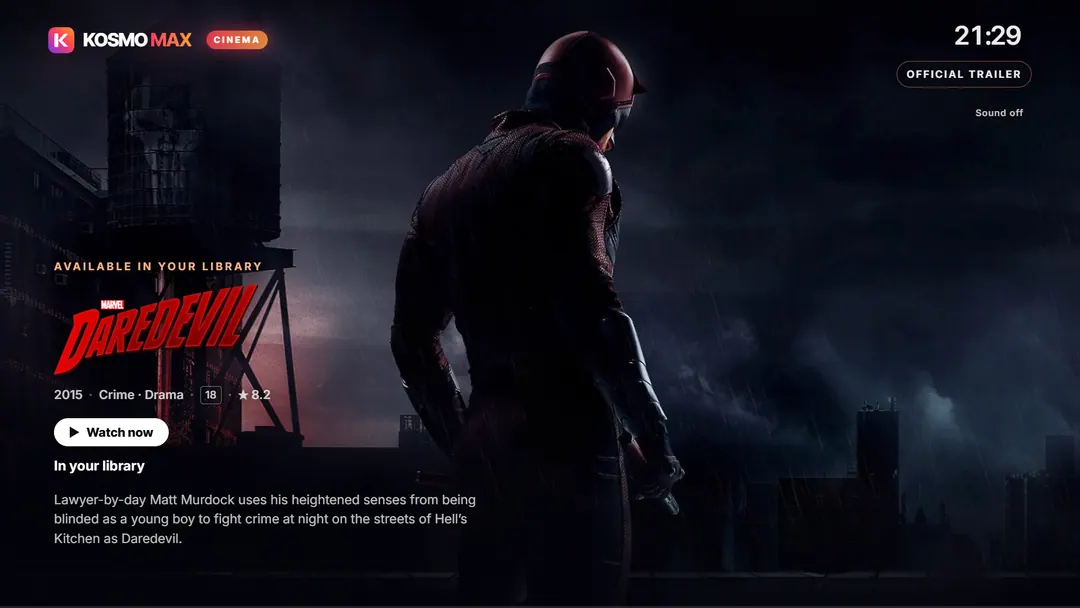
When the app has been idle for a few minutes and nothing is playing, Kosmo Max turns into a cinema screensaver. It shows full-screen backdrops of well-known films and series from your library, then a discovery window with official trailers.
- Official backdrops and title art only: no generated pictures
- Official trailers in Full HD, without subtitles
- Watch now: plays the title from your library when you have it
- When you don’t, it shows where the title can be watched in Belgium (from TMDB) and opens that service
- Remind me: adds an upcoming film or season to your watchlist
- On the living-room TV, the TV window shows it too; on a touch screen beside a TV it only starts from Settings › Preview
- Trailers, timings and the discovery window can be changed in Settings
Household
Profiles for everyone in the house
Everyone gets their own profile, with their own progress, favourites, Home and preferred audio language. Nobody’s history gets mixed up with anybody else’s.
- Up to eight grown-up profiles, plus kids profiles
- An optional PIN per profile; the household owner manages profiles with the owner PIN
- The owner can keep a device to some profiles, so each screen shows only the people it should
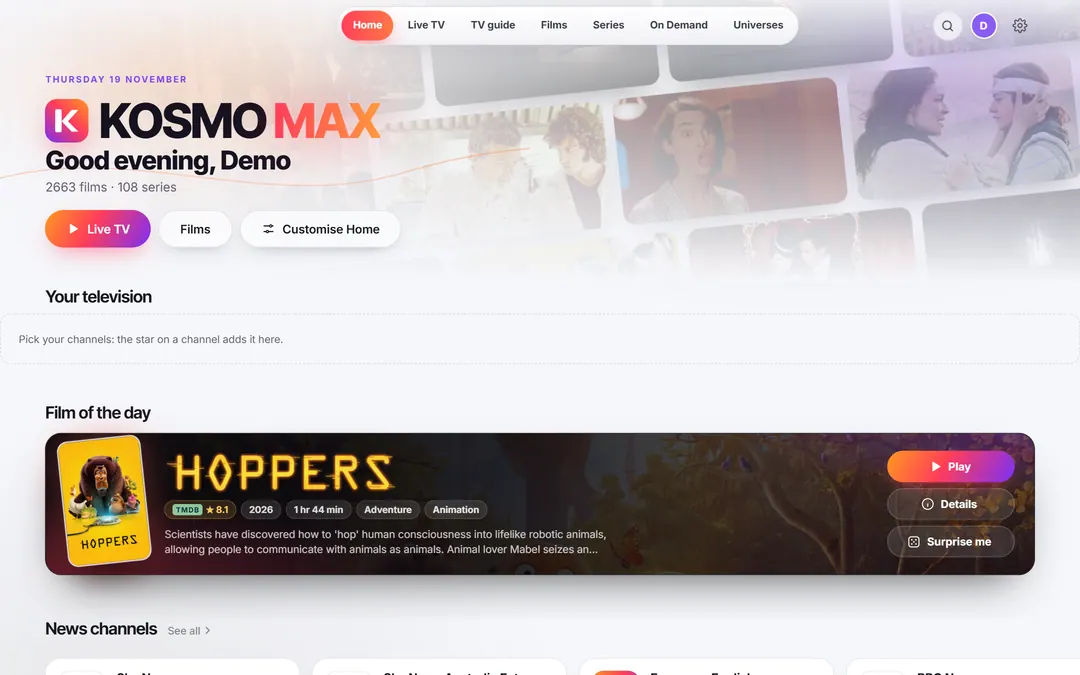
- Customise Home: choose what appears and in which order
- A Home that follows the time of day, and an automatic, light or dark theme on each screen
Support us
Ordinis is independent. If Kosmo Max helps you, you can support its development and keep things rolling.